
Made for teams that outgrew whiteboards, checklists and Excel.
Agilic fits any small or medium-size team that runs several projects with a handful of people. Here is how it plays out for six kinds of work.
Win the bid, then deliver the job.
Contracts are bid for months before they start. Agilic tracks the work you do to win the job and the work you do to deliver it, in the same place.
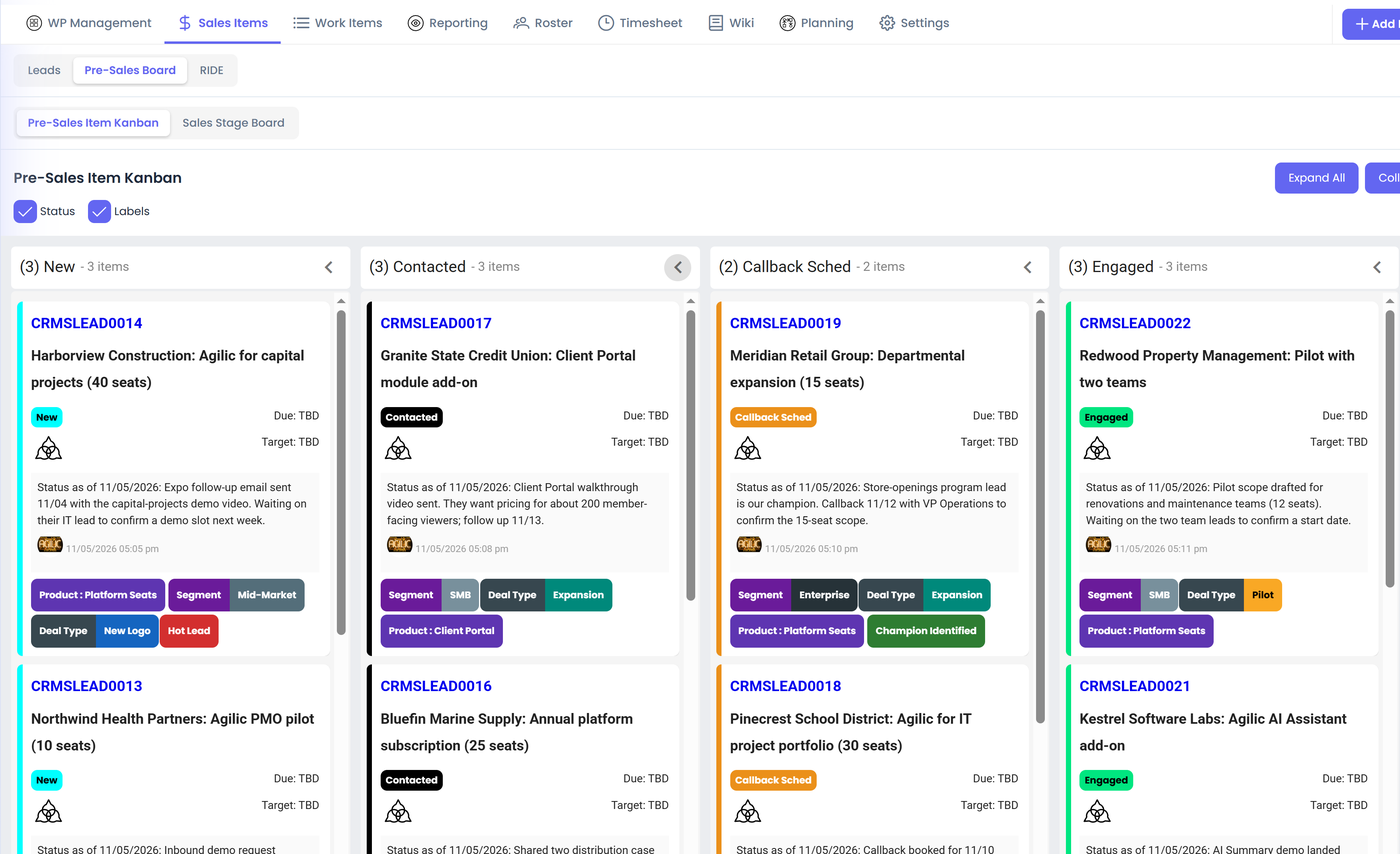
- Track presales effort (site visits, measuring and proposals) in a CRM work package, with a lead item for each opportunity and a Pre-Sales Kanban to track them.
- Plan installs with placeholders for crews and skills before you have assigned people.
- Capture the surprises (site access, equipment delays, change requests) as RIDE items with decisions on record.
- Share progress and documents with the client in the Client Portal instead of email.
Run the work that never ends.
Operations work has no end date, but it still has priorities, problems and people who need to know what is going on. In Agilic, a work package can be ongoing operational work just as easily as a project.
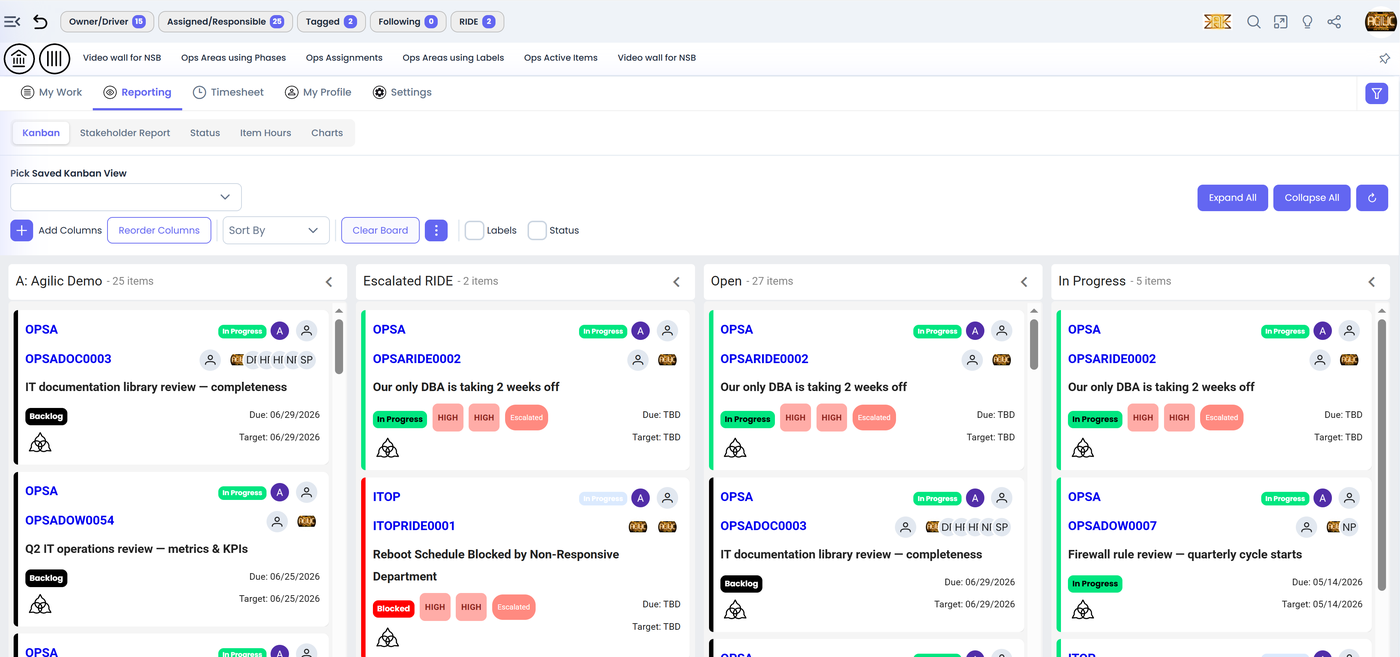
- Set up a work package for each area of operations, with its own Kanban board, item states and labels.
- Capture the unexpected (outages, vendor problems, escalations) as RIDE items with the decisions that follow.
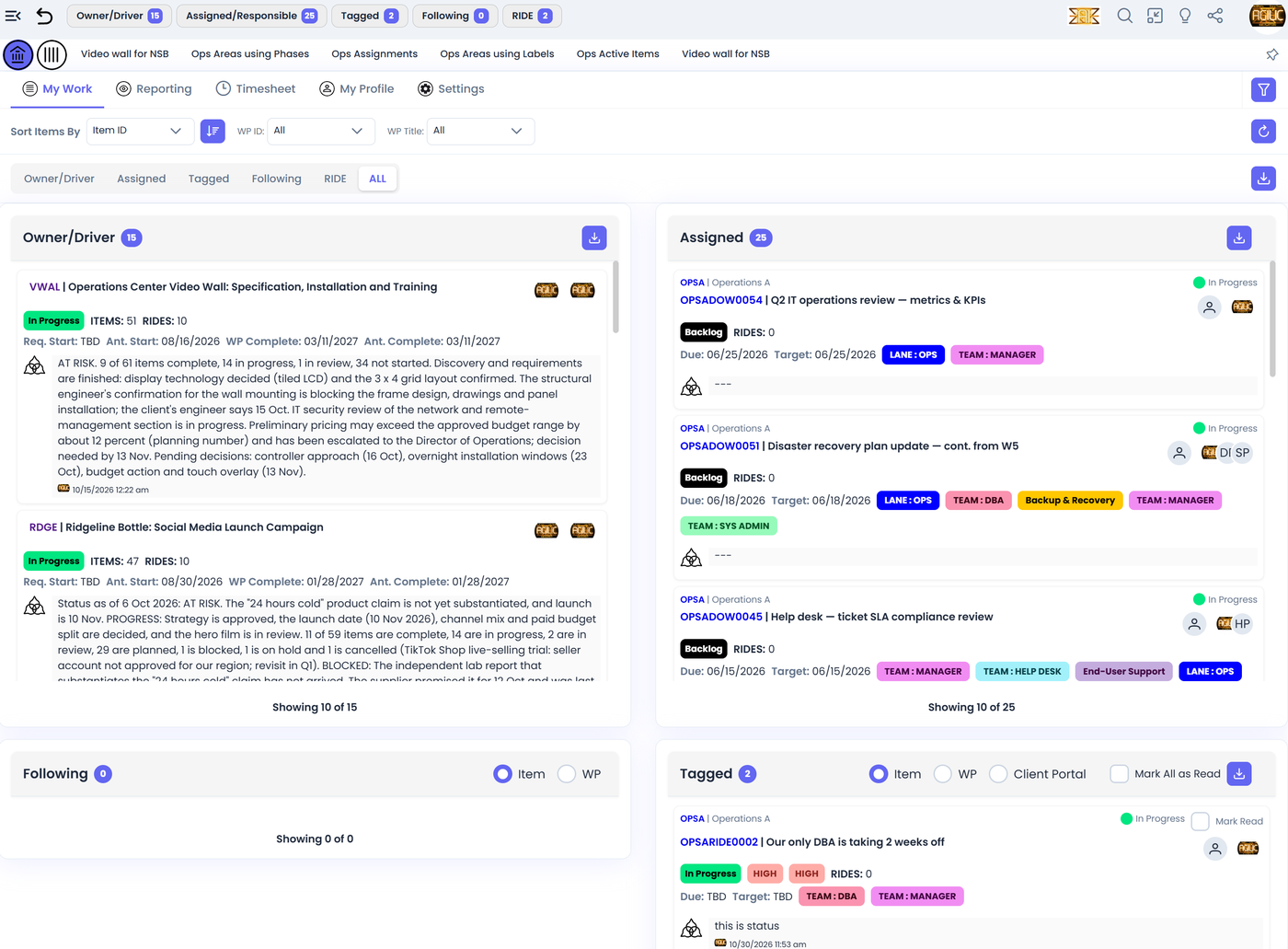
- Give every person a My View of their work across operations and projects, plus a private work package for training and one-off requests.
- Use timesheets and allocations if you want to see where the hours go, and skip them if you do not.
One place for projects, support and surprises.
IT teams, including teams inside larger organizations, run projects, service work and constant interruptions at the same time. Agilic gives your team one place to manage all of it.
- Mix project work and support work. Kanban boards, phases and labels fit any workflow you need.
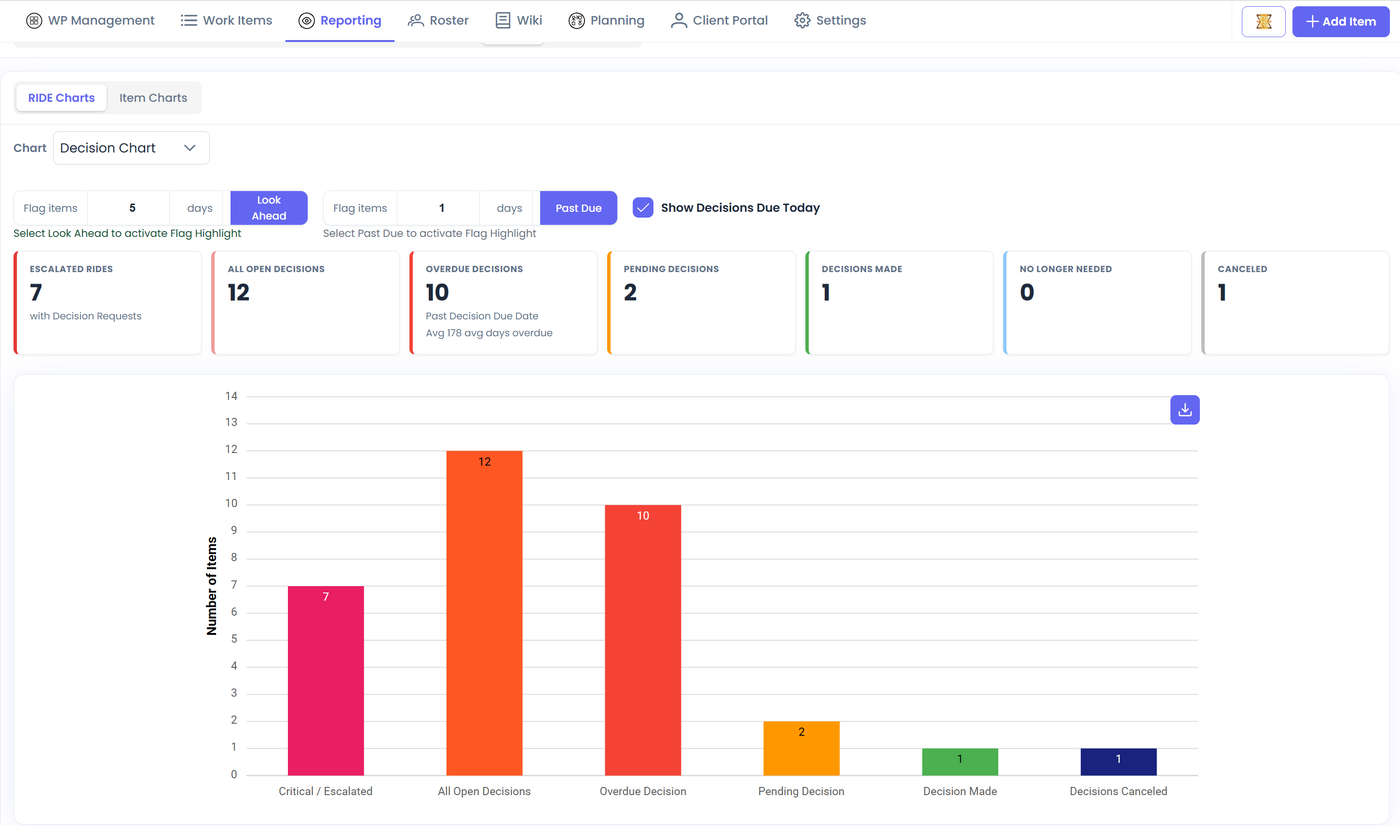
- Log risks, issues, dependencies and escalations as RIDE items and record each decision, so there is a clear history of what was decided.
- Keep leadership informed with the Stakeholder Report: escalated items and milestones show up for the people who need them.
- Keep runbooks, vendor contacts and notes in each work package's wiki, and use document items with a built-in spreadsheet for trackers.
- Connect your own AI to Agilic through its MCP server.
Many clients, many campaigns, one team.
The same designer, writer and strategist work on several accounts at once. Agilic shows who is working on what across every client.
- See each person's work across all client projects in My View and the team views.
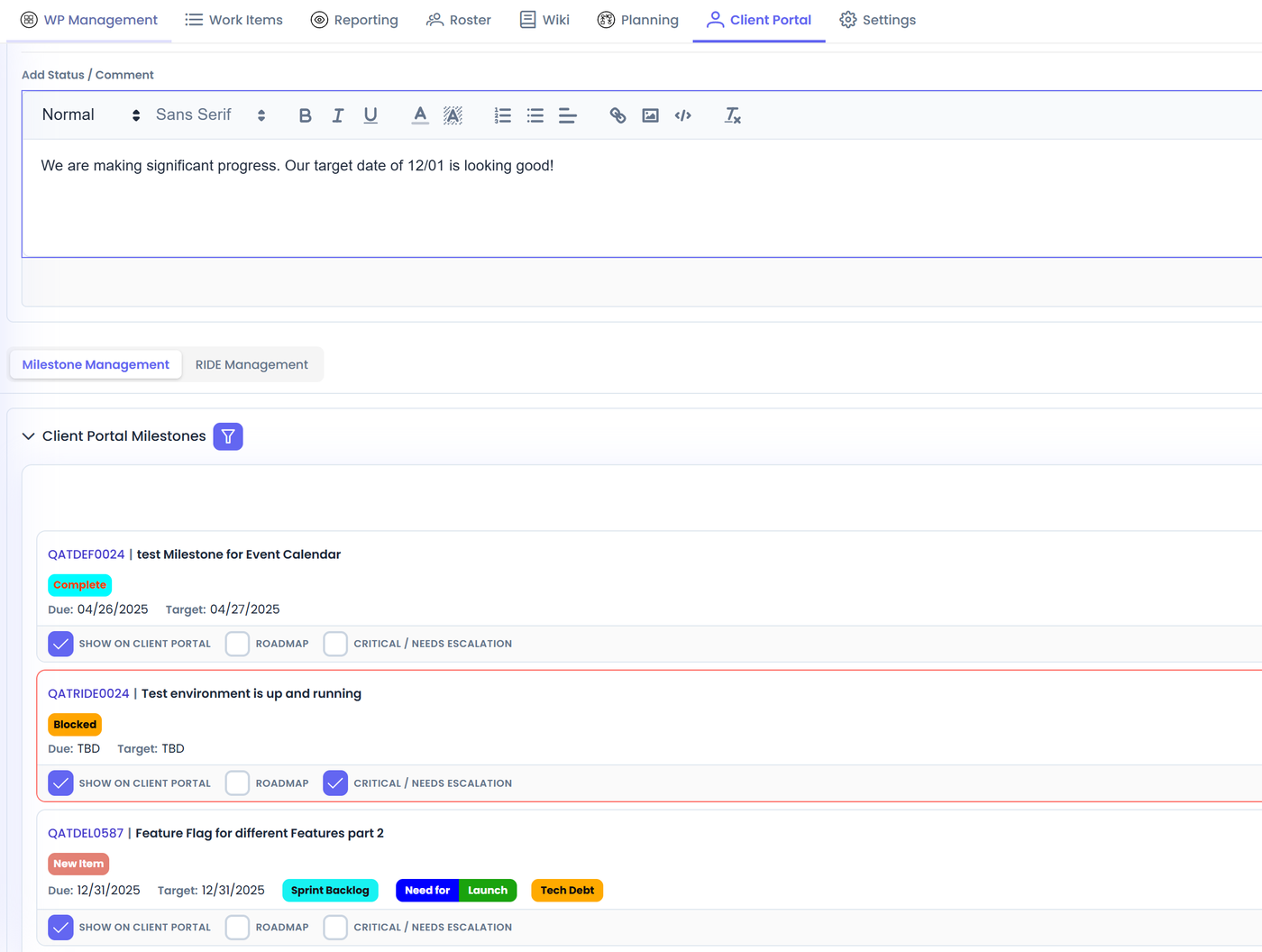
- Give every client a Client Portal with a client-specific status, selected milestones and shared documents.
- Use labels for client, channel and campaign stage, and see them on Kanban boards at every level.
- Capture hours with timesheets and compare them to what you planned.
From a bathroom remodel to a larger build.
Small construction and remodeling jobs run on dependencies: the permit, the delivery, the inspection. When one slips, a lot of jobs are affected.
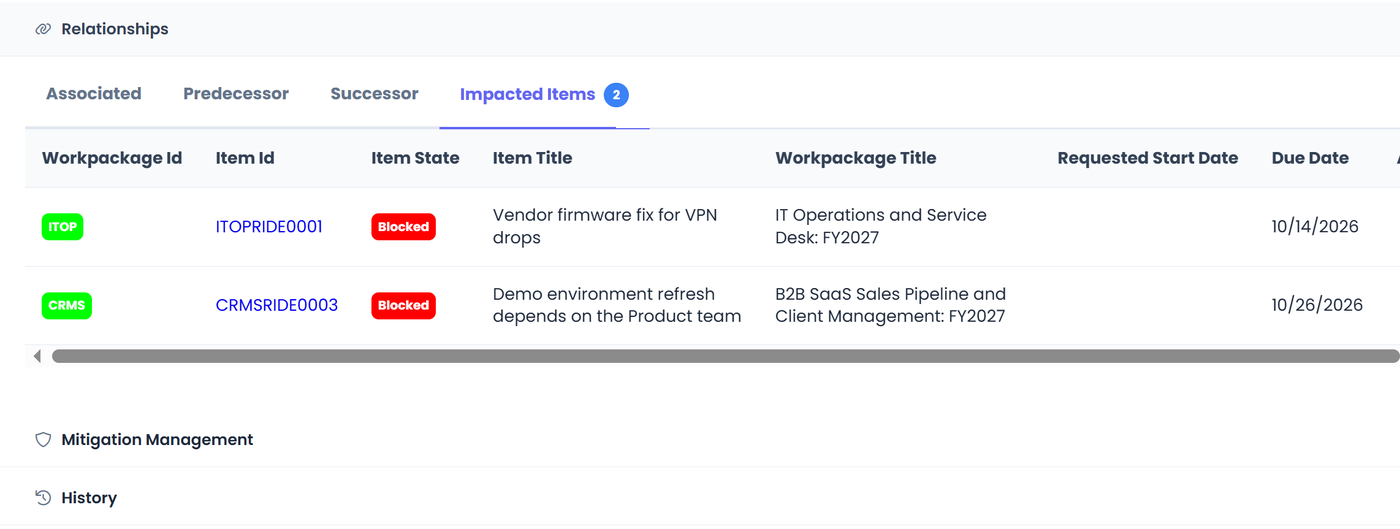
- Track risks, issues, dependencies and escalations as RIDE items and see how many items each one affects.
- Plan jobs with placeholders for trades before you have scheduled them.
- Keep contracts, drawings and notes in each project's wiki, and send clients updates through the Client Portal.
- Escalate what the owner has to decide, so it appears on the Stakeholder Report.
Two people, ten projects, one tool.
If a simple task list is no longer enough for you, Agilic is simple enough to get you started on Day One. As you grow and get more complex, Agilic can handle your needs for however you want to work.
- Start in less than one day. Our company benchmark is under 15 minutes of training for the average user to become productive.
- Set up only what you need. Timesheets, allocations, Client Portal and CRM are all optional.
- Use the AI Summary each week to keep a running picture of every project.
- Grow without switching tools. The same work package, board and report scale as your team does.
Try Agilic free during beta
Set up your first project today. Free during beta, unlimited users, and a direct line to the product team.